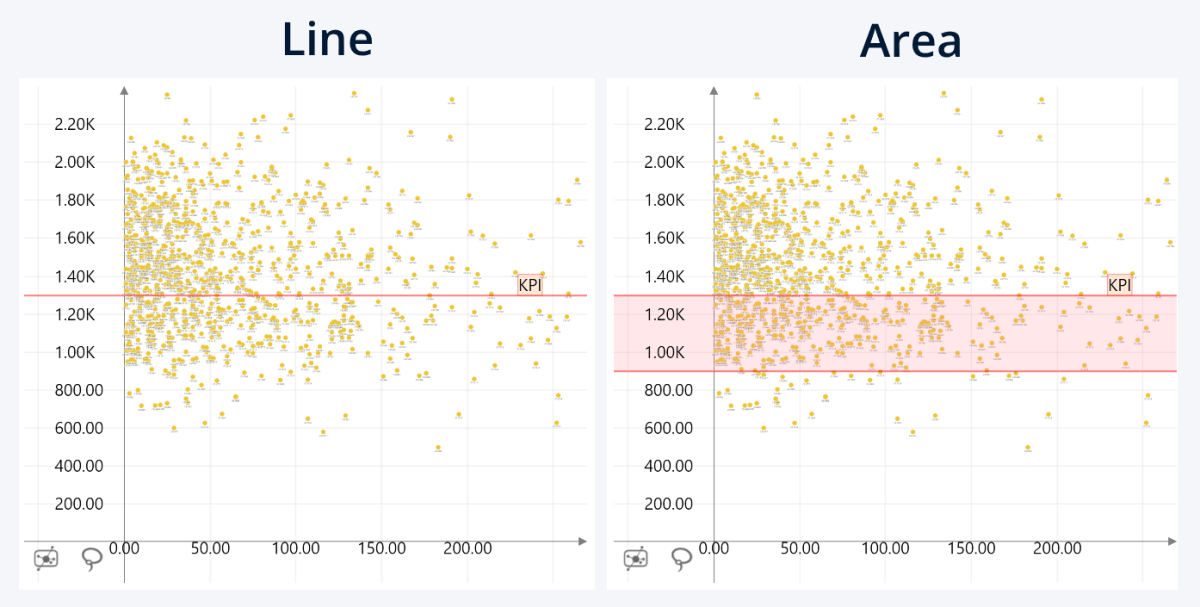
With this setting, you can choose which threshold type is used.
- Line: The threshold will be displayed as a line directly on your selected value in Value (or the dynamically calculated value for Value Type options).
- Area: The threshold will be displayed as an area between Value From (or the dynamically calculated value for Value Type options other than Constant), and a constant Value To.
This setting will be applied only to one
threshold. You can customize each threshold individually once you’ve enabled
their respective Show Threshold (2, 3, 4) toggles.
Was this helpful? Thank you for your feedback!
Sorry about that.
How can we improve it?