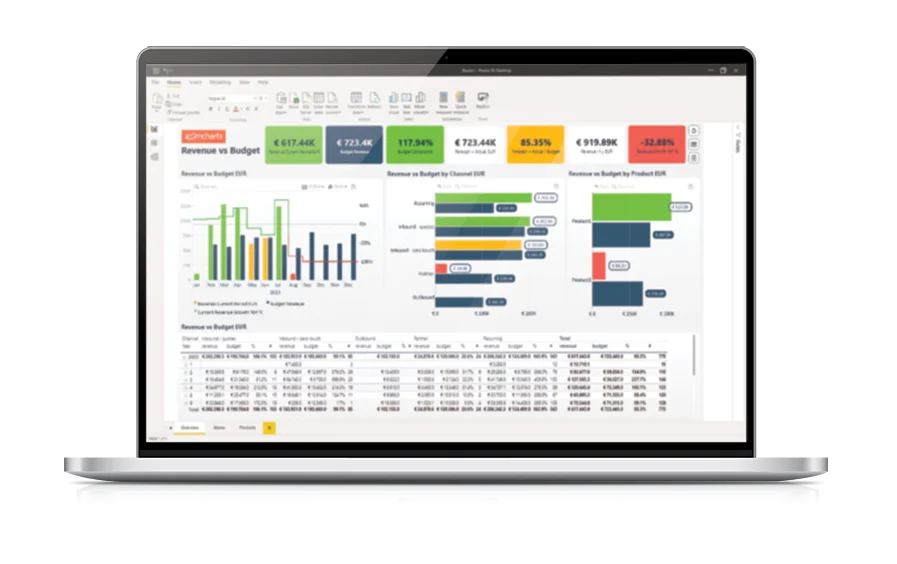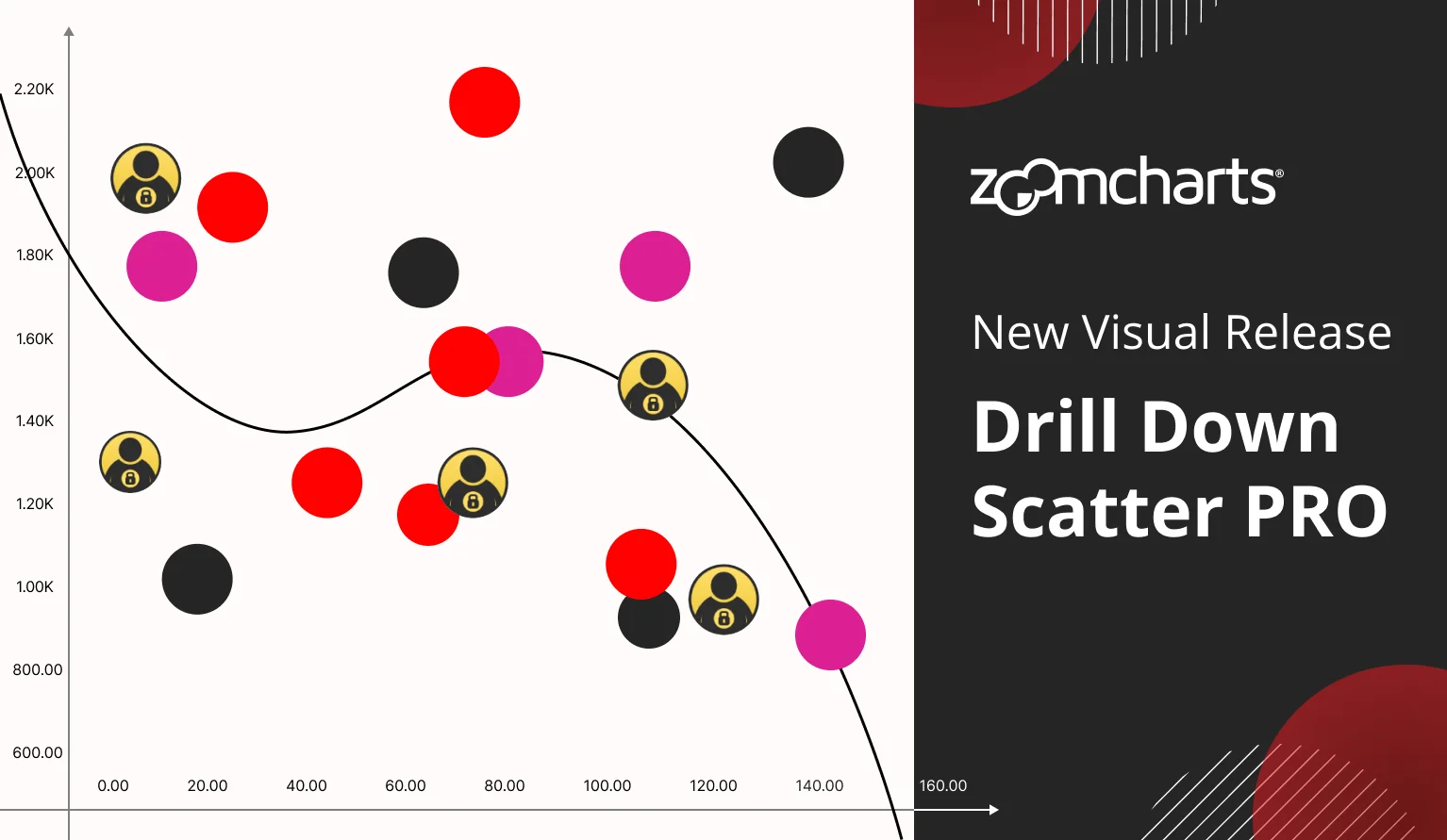
Make your reports more immersive and user-friendly with the most advanced Power BI bubble chart visual. With Bubble PRO, you can make complex data easy-to-explore, and seamlessly integrate with other visuals to instantly uncover valuable insights.
Try Free Trial See it in action


Enhance your data storytelling with visuals that perfectly balance data density with easy readability. Build interactive reports that make data exploration exciting.
ZoomCharts visuals provide intuitive user experience, allowing any user to explore data and quickly gain meaningful insights; even if it’s their first time using Power BI.
With ZoomCharts, data consultants can expand their services, increase customer satisfaction and foster stronger and more involved relationships with their clients.
Maximize the value of your investment in Power BI by increasing the user adoption rate with reports that users love to explore and start using every day.
Create and share reports that produce clear and reliable insights with no room for confusion. Strengthen data literacy and employee trust within your organization.
Enjoy peerless flexibility with more than 200 easy-to-use configuration settings in each visual and full support for touch screen devices and mouse/keyboard.
Our visuals seamlessy work together to create PRO Reports - the most immersive and user-friendly way to explore data.
See the full picture and uncover valuable insights by analyzing data across multiple visuals via cross-chart filtering.
Spend less time searching for answers. With ZoomCharts, the data you’re looking for is fewer clicks away.
See the full picture and uncover valuable insights by analyzing data across multiple visuals via cross-chart filtering.
Spend less time searching for answers. With ZoomCharts, the data you’re looking for is fewer clicks away.
Try live demos of incredible Power BI PRO Report examples created by ZoomCharts team and community members!
Explore your data easily with smooth and simple user interactions – drag the chart to move it freely, zoom in/out with scroll wheel or pinch gesture, and click on data points to select or drill down.
Provide deeper on-demand insights that are just a click away! Add multiple columns to the category field, and the visual will create a drill down hierarchy.
When you select data in your bubble chart, other visuals on the report can instantly apply the same filter, which will allow you to analyze the same data from multiple dimensions. Build intelligent and dynamic reports – or, as we call them, 360° Reports.
Click or tap on a single data point to select it and apply a filter; or select multiple data points at the same time with Ctrl+click. You can also draw a rectangular area to make a bulk selection or use the Lasso tool for finer controls.
Add a column or measure to the “Marker Size” field and Bubble PRO will automatically scale each marker based on numerical values. You can also limit the minimum and maximum allowed marker size.
Compare data against your benchmarks or KPIs with up to four horizontal and four vertical thresholds. You can choose between line or area thresholds, customize their appearance, and set a static or dynamically calculated value for each threshold.
Call attention to specific areas of your bubble chart with up to eight custom shapes at your selected coordinates. Adjust fill and outline color, opacity, shape (rectangle or ellipse), and other settings for each area separately.
Enjoy full control over the appearance and behavior of your scatter plot! Customize the color, shape, and size of data points, adjust the font and position of labels and legends, finetune the axis appearance, enable regression line and crosshairs, and more.
Drill Down Bubble PRO has various optional fields which can apply data-driven formatting to each data point: label text, tooltip content, marker colors, shapes, sizes, and even custom images!
Highlight trends or correlations in your data with linear or polynomial regression lines. You can configure the function degree, and the size, color, and opacity of the regression line.
Share a few details in the contact form so we can better help you and your company!
Learn even more about report creation with Drill Down Visuals.