logo
For Power BI Report Templates
  • Products

    Drill Down Visuals for Power BI

    Discover the most customizable custom visuals for Power BI.

    Pricing & licensing
    • Drill Down Donut Pro
      Drill Down Donut Category Composition
    • Drill Down Pie Pro
      Drill Down Pie Proportional Breakdown
    • Drill Down Combo Pro
      Drill Down Combo Multi-Metric Trends
    • Drill Down Combo Bar Pro
      Drill Down Combo Bar Cross-Metric Trends
    • Drill Down Line Pro
      Drill Down Line Trend Analysis
    • Drill Down Bubble Pro
      Drill Down Bubble Value Relationships
    • Drill Down Scatter Pro
      Drill Down Scatter Correlation Analysis
    • Drill Down Network Pro
      Drill Down Network Entity Connections
    • Drill Down Graph Pro
      Drill Down Graph Relationship Mapping
    • Drill Down Map Pro
      Drill Down Map Geographic Insights
    • Drill Down Waterfall Pro
      Drill Down Waterfall Change Breakdown
    • Drill Down Timeline Pro
      Drill Down Timeline Time-Based Metrics
    • Drill Down TimeSeries Pro
      Drill Down TimeSeries Temporal Patterns
    • Drill Down Line Pro
      Drill Down Line Trend Analysis

    Visuals in Planning

    Discover visuals we’re exploring, share your feedback, and help us decide what to build next.

    Browse concepts
  • Template Reports
    • Browse Report Templates
      Browse Report Templates Explore 2000+
      Power BI reports
    • Pricing Report Templates
      unlimited access

    Explore Report Templates

    Industry

    • Logistics
    • Education
    • Healthcare
    • Transportation
    • Banking
    • Ecommerce
    • Crime analytics
    • Retail
    • Manufacturing

    Business Domain

    • Sales
    • Marketing
    • Accounting & Finance
    • Human Resources
    • Research
    • Project Management
    • CRM
    • Support
    • Customer experience
  • Resources

      Learn

    • Video Tutorials Step-by-step Power BI guides
    • Webinars Live and recorded expert sessions
    • Visuals Gallery Explore all custom Power BI visuals
    • Blog Power BI tips, updates, and guides
    • Documentation Setup, features, and API reference

    Support

    • ZoomCharts Assistance Help from our product experts
    • Contact Sales Questions about pricing or licensing
    • Contact Support Technical help and troubleshooting
    • FAQ Quick answers to common questions
  • Services
    • Power BI Report Development
      Power BI Report Development End-to-end custom
      Power BI reports.
    • Custom Visual Development
      Custom Visual Development Custom visuals for
      your business needs.
  • Challenges
  • Pricing
Request a quote Get Developer License Sign in
Request a quote Book a Demo Get Developer License Sign in
Get it now
Go back

Contents

Webinars New Scatter Visual For Power BI Revealed
Go back

WEBINAR

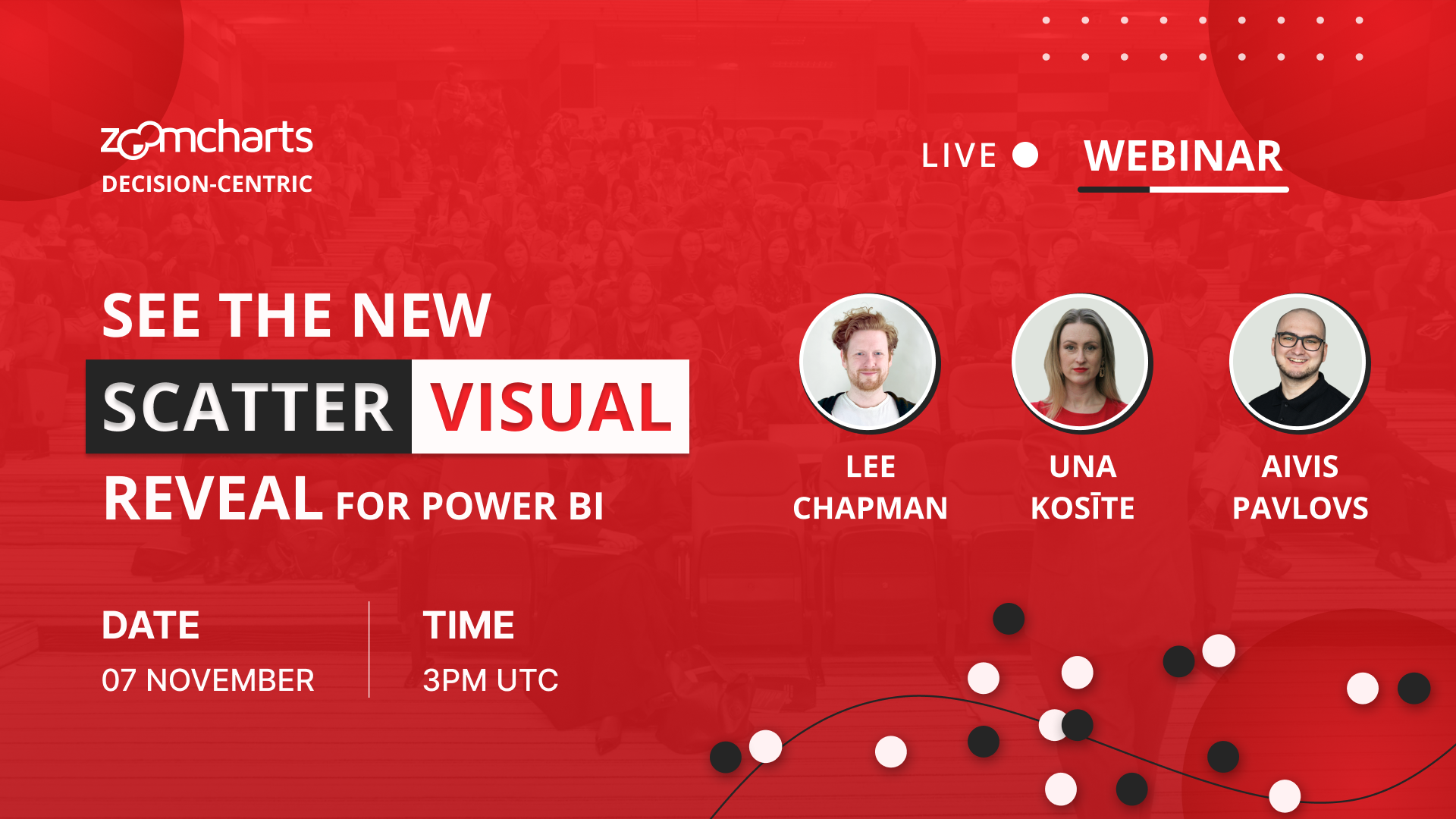
New Scatter Visual For Power BI Revealed

07 Nov, 2024 | 10:00 AM - EST

Discover the innovative feature set for Scatter PRO across your reports

WATCH RECORDING


About webinar

Join Power BI experts Una Kosīte, Aivis Pavlovs, and Lee Chapman for an exclusive deep dive into the new Scatter visual for Power BI, specifically designed to address the most complex business questions from leadership. Learn how to create powerful, customized reports that deliver the clarity executives demand.

In this session, you'll discover how to:

  • Master the new Scatter visual for Power BI's visual for clear, decision-centric insights.
  • Tackle high-level business challenges by identifying key trends, correlations, and outliers.
  • Seamlessly integrate the new Scatter visual into your current reports

Struggling with executives’ high-pressure questions about critical data trends and outliers? Learn how this new visual enables faster, deeper exploration of large datasets—without frustrating delays or cumbersome workarounds.


What's New:

  • Instant Drill-Down: Seamlessly answer deeper questions with on-chart drill-downs, revealing multi-dimensional insights
  • Area Selection: Highlight the details that matter to easily identify key trends or outliers with precision. This allows you to address concerns in real time and make decisions without using additional tools.
  • Advanced Customization: Fine-tune visuals to meet leadership’s exact specifications with features like area selection, background shapes, and advanced statistical tools.
  • Big Data Optimization: Ensure smooth performance, even when handling tens of thousands of data points.
  • Dynamic Regressions: Provide predictive insights for critical business decisions, all within the scatter visual.


By the end of the session, you’ll be equipped to create highly impactful Power BI reports using this new visual, enabling quick, informed decision-making without additional tools or complex configurations. A live Q&A will follow to answer your specific questions.

Date and time

07 Nov, 2024

10:00 AM - EST

Speakers

Una Kosite

Una Kosite, Product Owner at ZoomCharts

Aivis Pavlovs

Aivis Pavlovs, Senior Product Expert at ZoomCharts

Lee Francis  Chapman

Lee Francis Chapman, Customer Success Manager

Share this event

Watch recording


About webinar

Join Power BI experts Una Kosīte, Aivis Pavlovs, and Lee Chapman for an exclusive deep dive into the new Scatter visual for Power BI, specifically designed to address the most complex business questions from leadership. Learn how to create powerful, customized reports that deliver the clarity executives demand.

In this session, you'll discover how to:

  • Master the new Scatter visual for Power BI's visual for clear, decision-centric insights.
  • Tackle high-level business challenges by identifying key trends, correlations, and outliers.
  • Seamlessly integrate the new Scatter visual into your current reports

Struggling with executives’ high-pressure questions about critical data trends and outliers? Learn how this new visual enables faster, deeper exploration of large datasets—without frustrating delays or cumbersome workarounds.


What's New:

  • Instant Drill-Down: Seamlessly answer deeper questions with on-chart drill-downs, revealing multi-dimensional insights
  • Area Selection: Highlight the details that matter to easily identify key trends or outliers with precision. This allows you to address concerns in real time and make decisions without using additional tools.
  • Advanced Customization: Fine-tune visuals to meet leadership’s exact specifications with features like area selection, background shapes, and advanced statistical tools.
  • Big Data Optimization: Ensure smooth performance, even when handling tens of thousands of data points.
  • Dynamic Regressions: Provide predictive insights for critical business decisions, all within the scatter visual.


By the end of the session, you’ll be equipped to create highly impactful Power BI reports using this new visual, enabling quick, informed decision-making without additional tools or complex configurations. A live Q&A will follow to answer your specific questions.

Date and time

07 Nov, 2024

10:00 AM - EST

Speakers

Una Kosite

Una Kosite, Product Owner at ZoomCharts

Aivis Pavlovs

Aivis Pavlovs, Senior Product Expert at ZoomCharts

Lee Francis  Chapman

Lee Francis Chapman, Customer Success Manager

Share this event

Webinar Recording

logo
[email protected]
+44 204 577 3993
logo

Products

Drill Down Bubble PRO Drill Down Line PRO Drill Down Network PRO Drill Down Waterfall PRO Drill Down Graph PRO Drill Down Combo PRO Drill Down Combo Bar PRO Drill Down Donut PRO Drill Down Pie PRO Drill Down TimeSeries PRO Drill Down Timeline PRO Drill Down Map PRO Drill Down Scatter PRO All Visuals

Resources

Report Examples Webinars Blog ZoomCharts Academy Visuals Gallery Documentation Custom Visual Development Subscribe to News

Solutions

Custom Visual Development

Company

Pricing About Us Partners Leave feedback Join PowerGroup EU Funding

Help

ZoomCharts Assistance Contact Sales Contact Support FAQ AI Information

Drill Down Line PRO Drill Down Bubble PRO Drill Down Network PRO Drill Down Waterfall PRO Drill Down Graph PRO Drill Down Combo PRO Drill Down Combo Bar PRO Drill Down Donut PRO Drill Down Pie PRO Drill Down TimeSeries PRO Drill Down Timeline PRO Drill Down Map PRO Drill Down Scatter PRO All Visuals

Report Examples Webinars Blog ZoomCharts Academy Visuals Gallery Documentation Custom Visual Development Subscribe to News

Custom Visual Development

Pricing About Us Partners Leave feedback Join PowerGroup EU Funding

ZoomCharts Assistance Contact Sales Contact Support FAQ AI Information
+44 204 577 3993
[email protected]

Ready to get in touch?

Contact our experts with any question about Power BI and ZoomCharts for Free!

Contact us

© 2026, Data Visualization Software Lab

U.S. Patents No. 11,645,343; 11,921,804; 12,346,389

Cookies
Privacy Policy
Global
Legal
Patent
warning

Error message

success

Success info: Done!

ZoomCharts AI Assistant

We noticed you're using an old OS version.

For the best experience, we recommend upgrading to ensure that all website features display correctly.

Cookie settings

We use necessary cookies for site functionality, as well as statistic, marketing, and preference cookies to enhance your experience. For more information and to manage your preferences, please visit our Cookie policy