With this setting, you can choose the way large numerical values for the nodes within this category are abbreviated in the node value labels.
- Auto: The visual will automatically choose the abbreviation for each value. Default setting.
- None: The values will not be shortened (example - 453,240,000.00).
- Thousands: The values will be shortened to thousands with K (example - 453,240K).
- Millions: The values will be shortened to millions with M (example – 453.2M).
- Billions: The values will be shortened to billions with B (example – 0.45B).
- Trillions: The values will be shortened to trillions with T (example – 0.00045T).
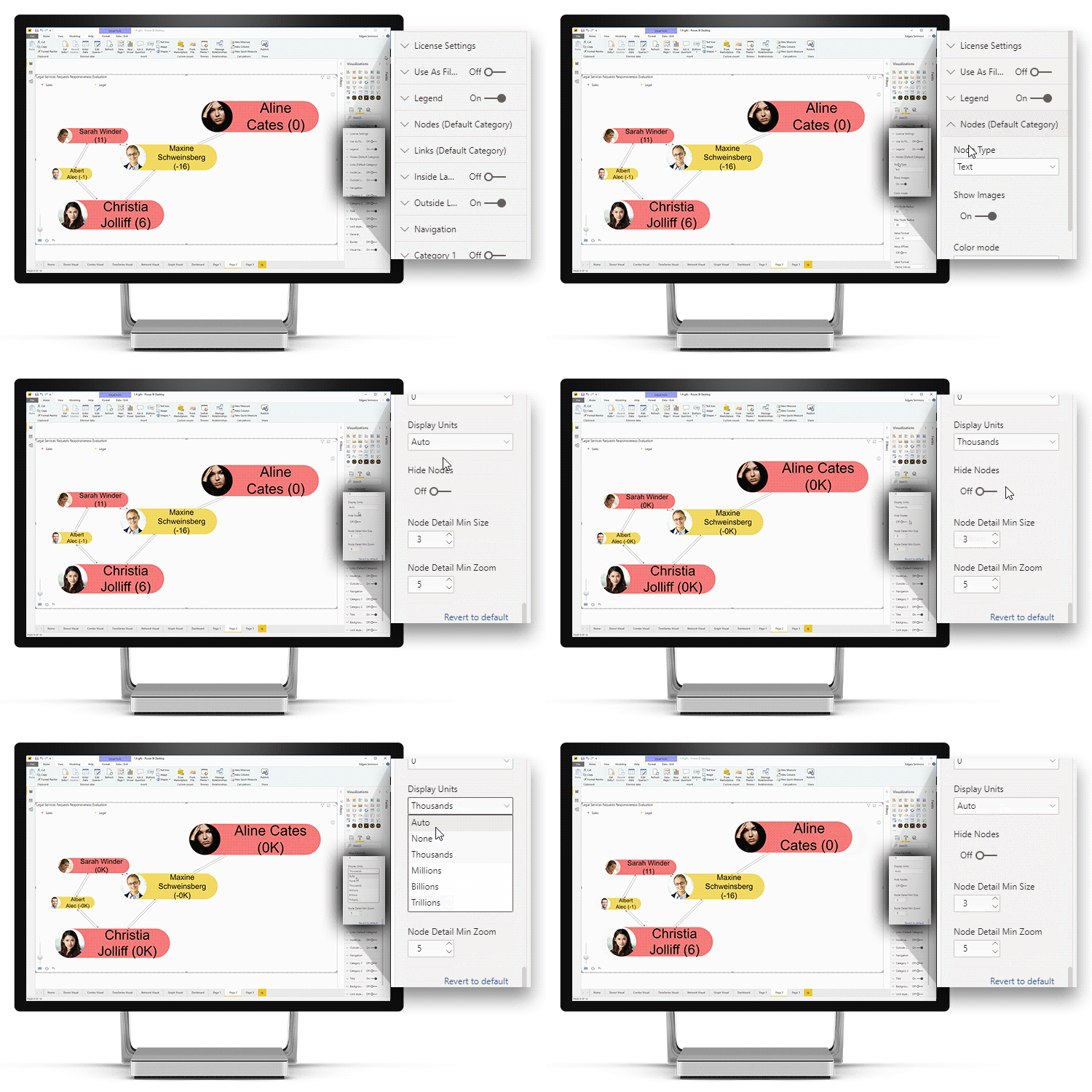
This setting will be applied only to one category and it will override the default setting. If you wish to configure this setting for all nodes, use Display Units in Nodes (Default Category) instead.
Was this helpful? Thank you for your feedback!
Sorry about that.
How can we improve it?