When enabled, a Reset button appears in the top-left corner of the visual. Users can click this button to return the visual to its original state and undo all navigation and interaction changes.
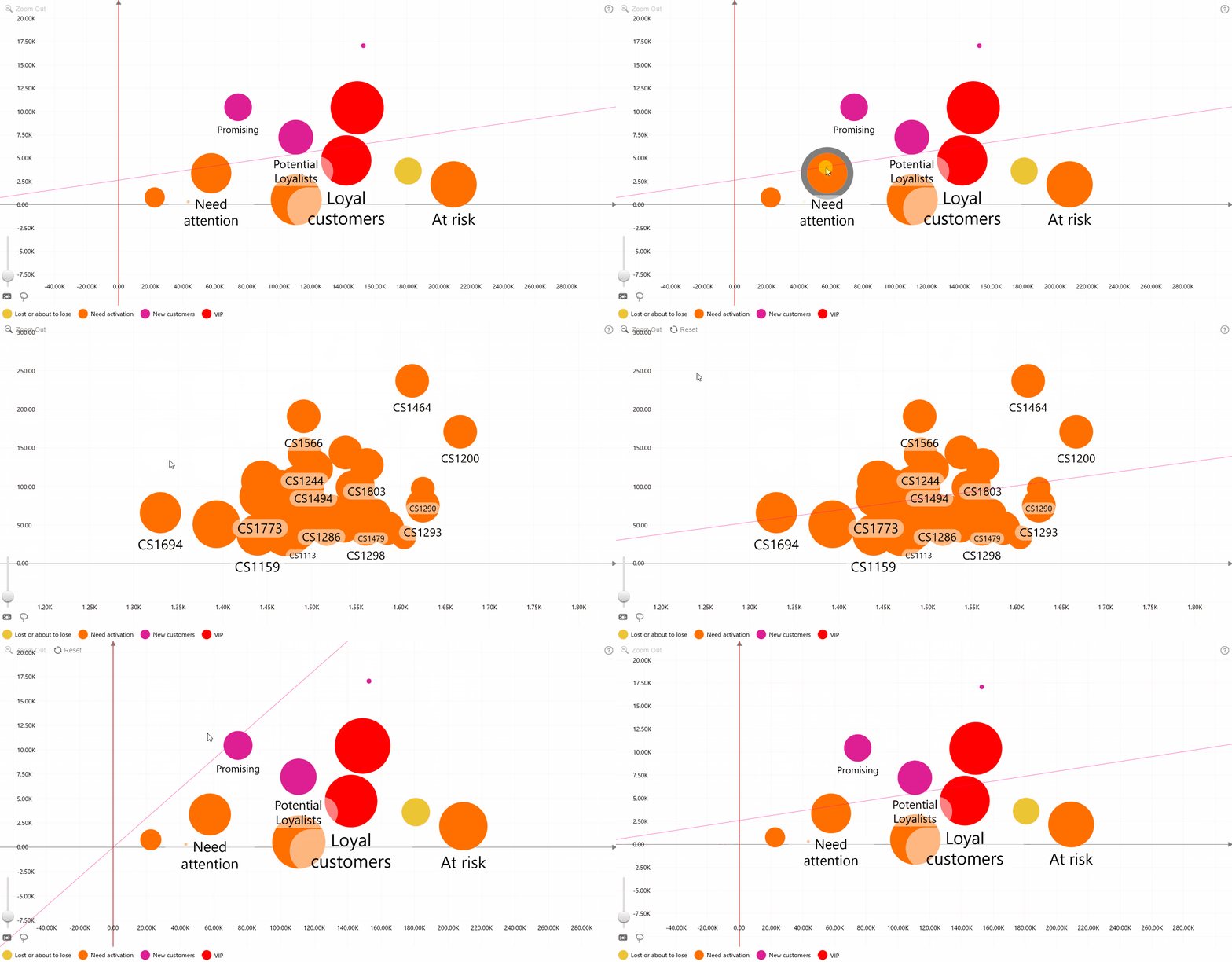
The Reset button remains hidden until the user modifies the view through actions such as selection, drill-down, filtering, or zooming.
Was this helpful? Thank you for your feedback!
Sorry about that.
How can we improve it?