1144
Actionable Operations Dashboard Template
Actionable Operations Dashboard Template
More Report pages
Report Author: Rami Kassiar
1144
Share template with others
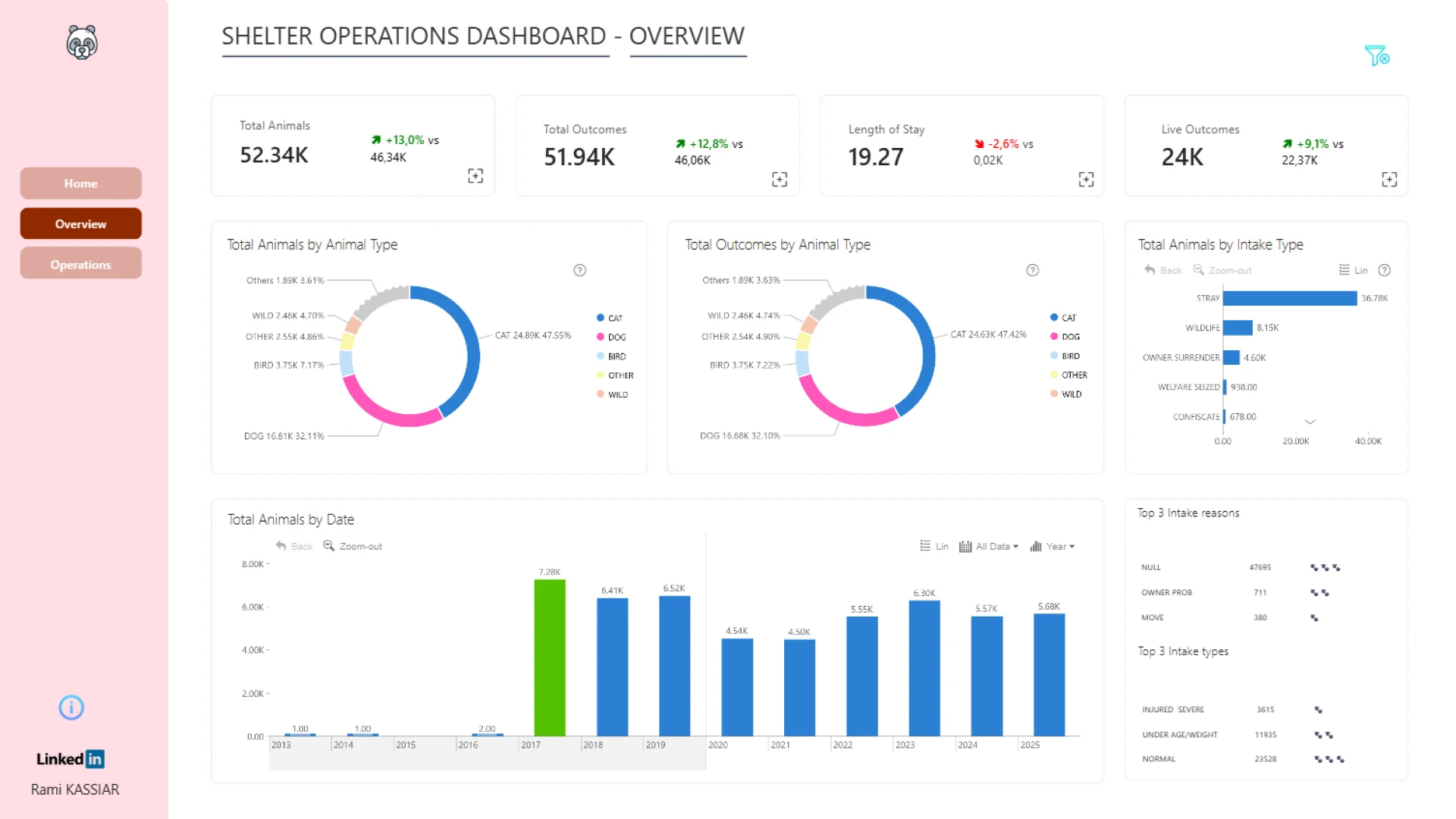
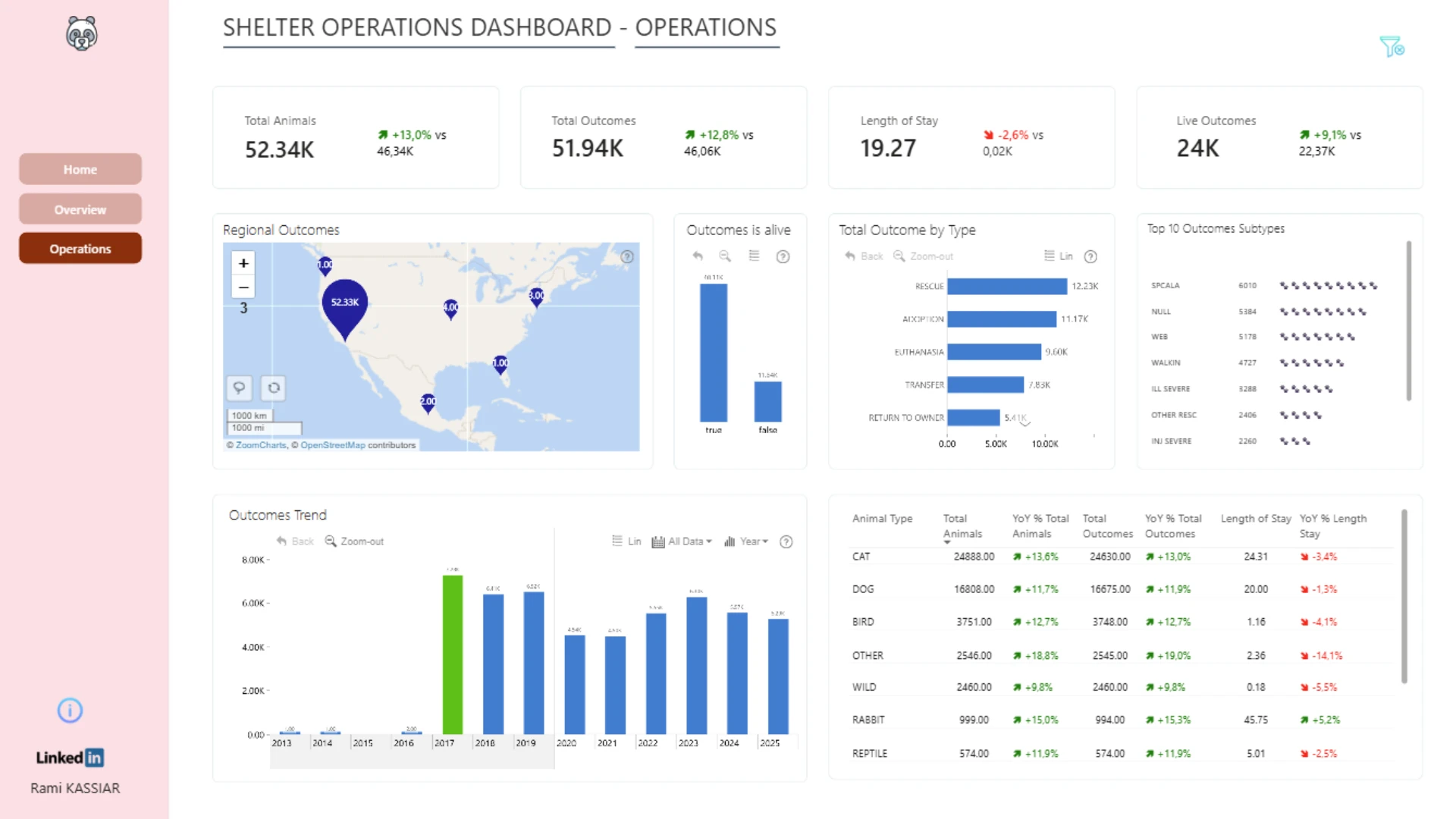
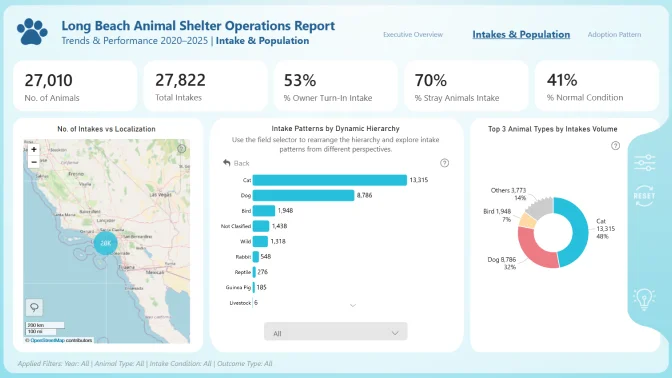
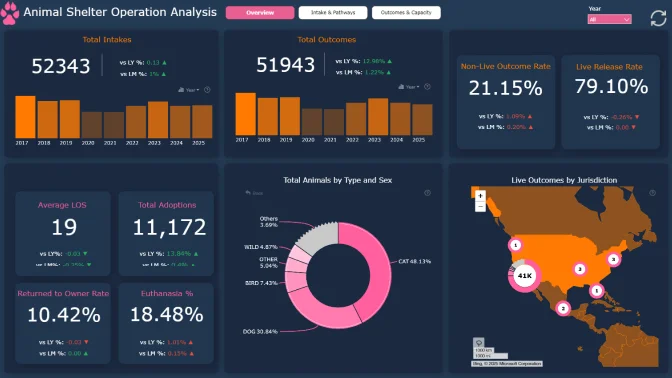
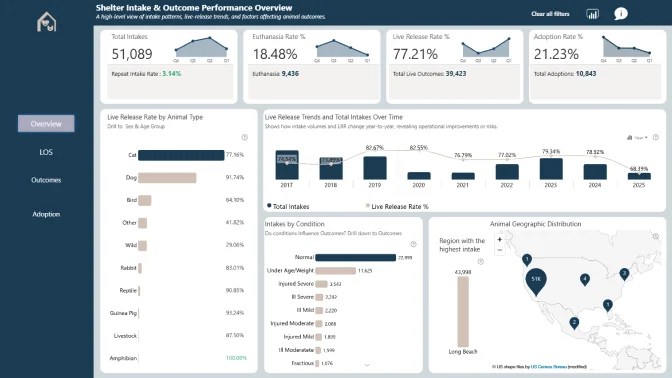
Explore an actionable dashboard built in Power BI for animal shelter operations analysis. This report helps turn shelter data into actionable business insights by tracking total animals, outcomes, live outcomes, length of stay, intake types, outcome trends, regional performance, and animal-type breakdowns. Use it as an operations dashboard example for monitoring service performance, identifying patterns, and supporting faster decisions from complex shelter data.
Author's Description:
For this challenge, I built a three-page report to present the data in a clear and structured way. The main objective was to simplify complex information and make it easy to explore. I focused on consistency, readability, and intuitive navigation across all pages.
ZoomCharts visuals used





4U Report Challenges
Participate in data challenges, build and submit reports to get free template downloads.
Join CommunityMobile view allows you to interact with the report. To Download the template please switch to desktop view.
How to use a PBIX template
Preview the interactive report, download the PBIX file, open it in Power BI Desktop, and replace the same data connection with your own dataset.
Preview and download
Explore the report online and download the PBIX template file.
Open in Power BI Desktop
Open the downloaded PBIX file in Power BI Desktop.
Connect your data
Replace the sample data source with your own dataset.
Refresh and adjust
Refresh the model and update fields or visual were needed.
Save and share
Save your report and publish it for your audience.