logo
For Power BI Report Templates
  • Products

    Drill Down Visuals for Power BI

    Discover the most customizable custom visuals for Power BI.

    Pricing & licensing
    • Drill Down Donut Pro
      Drill Down Donut Category Composition
    • Drill Down Pie Pro
      Drill Down Pie Proportional Breakdown
    • Drill Down Combo Pro
      Drill Down Combo Multi-Metric Trends
    • Drill Down Combo Bar Pro
      Drill Down Combo Bar Cross-Metric Trends
    • Drill Down Line Pro
      Drill Down Line Trend Analysis
    • Drill Down Bubble Pro
      Drill Down Bubble Value Relationships
    • Drill Down Scatter Pro
      Drill Down Scatter Correlation Analysis
    • Drill Down Network Pro
      Drill Down Network Entity Connections
    • Drill Down Graph Pro
      Drill Down Graph Relationship Mapping
    • Drill Down Map Pro
      Drill Down Map Geographic Insights
    • Drill Down Waterfall Pro
      Drill Down Waterfall Change Breakdown
    • Drill Down Timeline Pro
      Drill Down Timeline Time-Based Metrics
    • Drill Down TimeSeries Pro
      Drill Down TimeSeries Temporal Patterns
    • Drill Down Line Pro
      Drill Down Line Trend Analysis

    Visuals in Planning

    Discover visuals we’re exploring, share your feedback, and help us decide what to build next.

    Browse concepts
  • Template Reports
    • Browse Report Templates
      Browse Report Templates Explore 2000+
      Power BI reports
    • Pricing Report Templates
      unlimited access

    Explore Report Templates

    Industry

    • Logistics
    • Education
    • Healthcare
    • Transportation
    • Banking
    • Ecommerce
    • Crime analytics
    • Retail
    • Manufacturing

    Business Domain

    • Sales
    • Marketing
    • Accounting & Finance
    • Human Resources
    • Research
    • Project Management
    • CRM
    • Support
    • Customer experience
  • Resources

      Learn

    • Video Tutorials Step-by-step Power BI guides
    • Webinars Live and recorded expert sessions
    • Visuals Gallery Explore all custom Power BI visuals
    • Blog Power BI tips, updates, and guides
    • Documentation Setup, features, and API reference

    Support

    • ZoomCharts Assistance Help from our product experts
    • Contact Sales Questions about pricing or licensing
    • Contact Support Technical help and troubleshooting
    • FAQ Quick answers to common questions
  • Services
    • Power BI Report Development
      Power BI Report Development End-to-end custom
      Power BI reports.
    • Custom Visual Development
      Custom Visual Development Custom visuals for
      your business needs.
  • Challenges
  • Pricing
Request a quote Get Developer License Sign in
Request a quote Book a Demo Get Developer License Sign in
Get it now
Go back

Contents

Reset your password

We'll email you instructions on how to reset your password

Go back

Share

Logo

Supply Chain Analytics Power BI Challenge

Apr 30 - May 29, 2026 | EDT

Build a powerful supply chain report in Power BI for executive management. Sharpen your data visualization skills and showcase your professional credibility within the community.

Timeline

Registration Open

Registration Open

30 April | 17:30

-

Submissions Open

Submissions Open

30 April | 17:30

-

Workshop | Build a High-Impact Supply Chain Dashboard in Power BI

Workshop | Build a High-Impact Supply Chain Dashboard in Power BI

07 May | 07:00

-

1:1 Mentoring Sessions

1:1 Mentoring Sessions

07 May | 07:00

30 April - 25 May

Entry Submission Deadline

Entry Submission Deadline

25 May | 17:59

30 April - 25 May

Winner Announced

Winner Announced

29 May | 08:00

30 April - 25 May

Dataset

Get the dataset

See past ZoomCharts challenges

See past challenges

Share the challenge

Submitted Reports
About challenge
How to participate
The Brief
Judging criteria
Timeline
Dataset
Past challenges

Winner of the challenge

Report Card

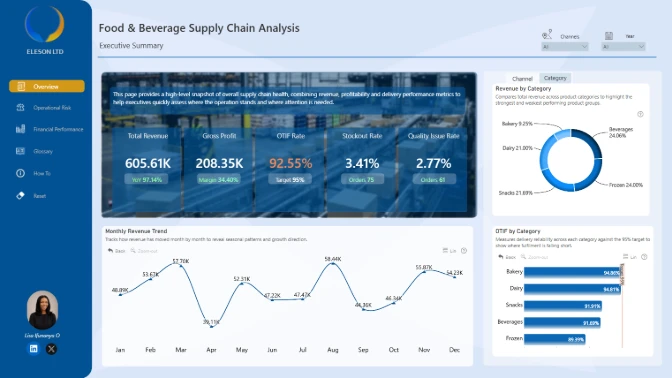
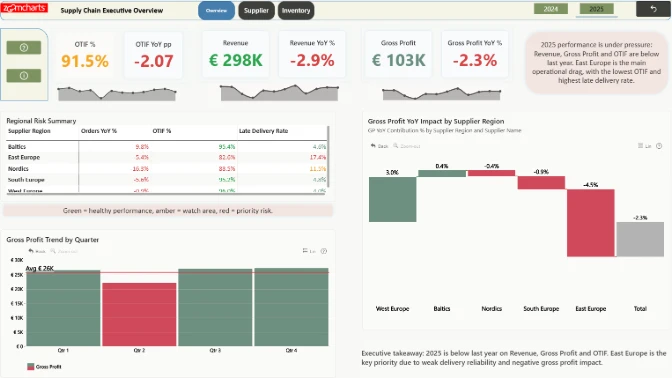
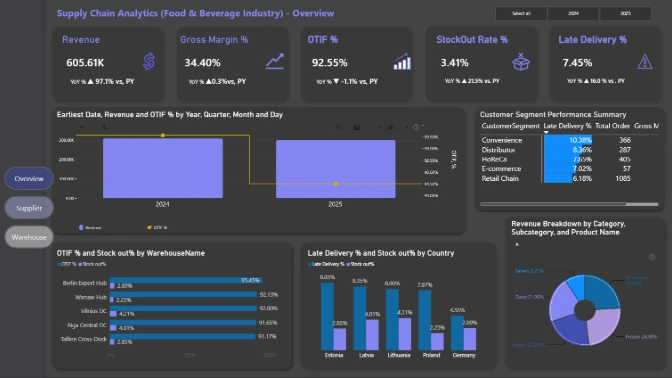
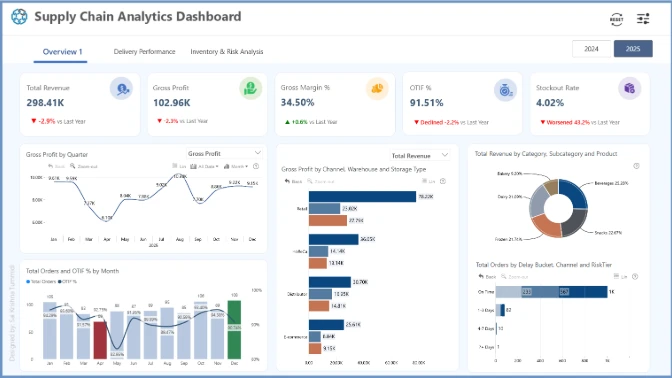
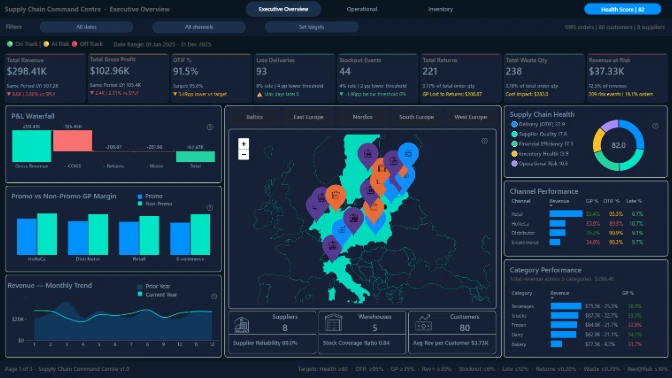
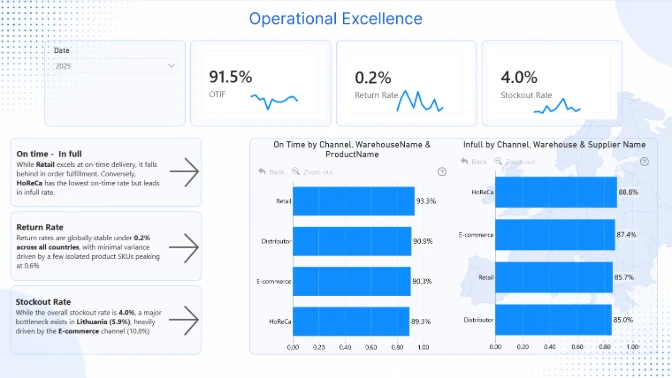
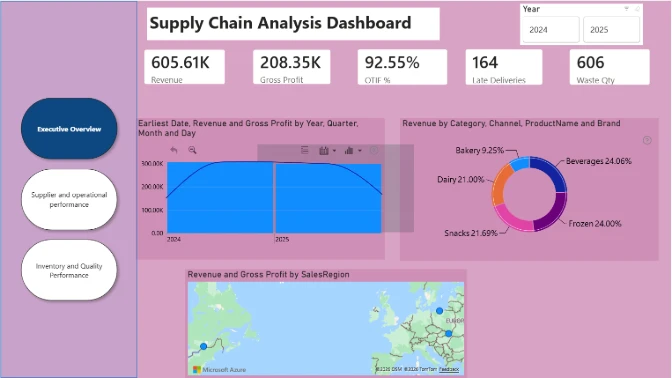
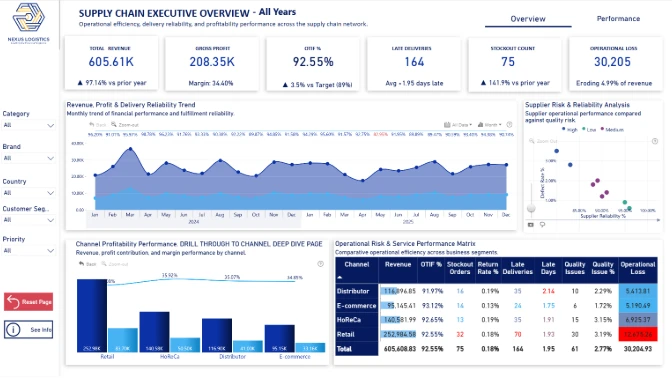
Supply Chain Metrics Dashboard

Author: Akindele Omolayo

41

View Report

All Submissions

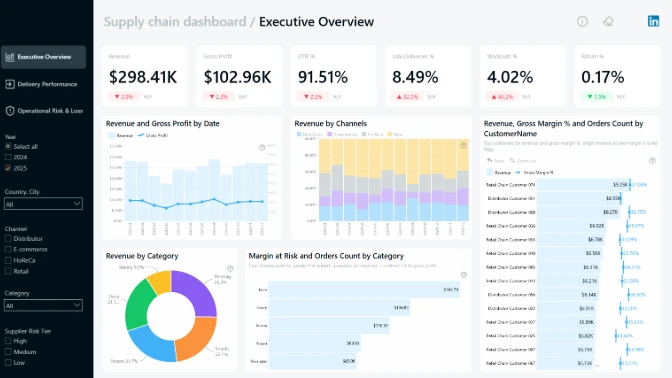
Report Card

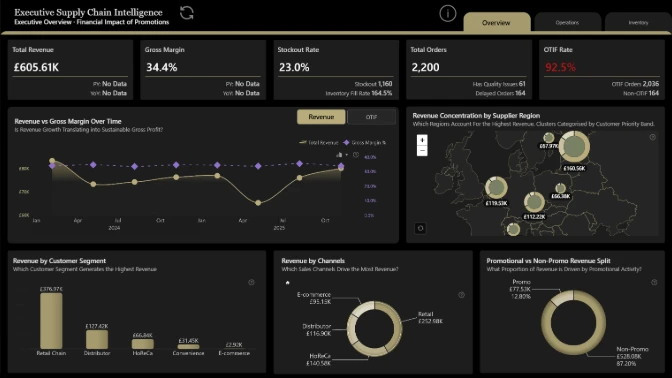
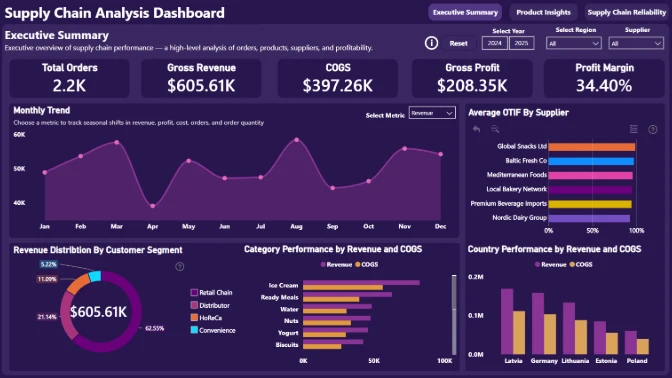
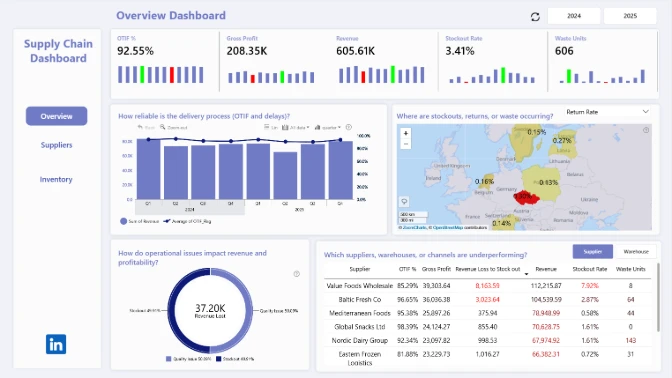
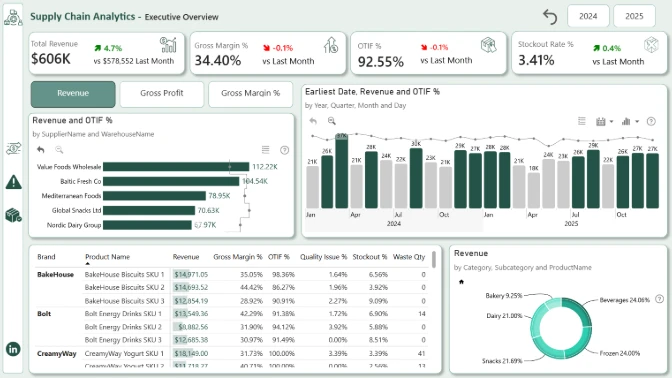
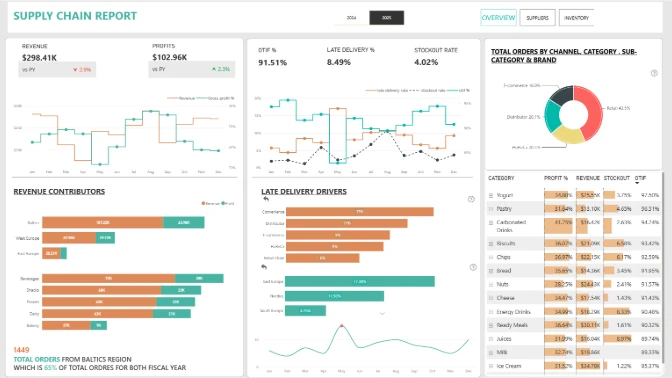
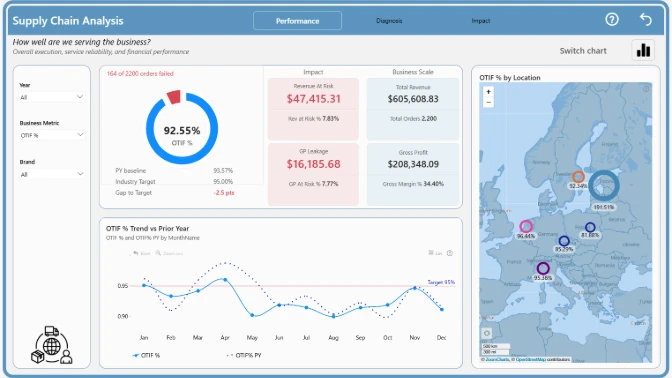
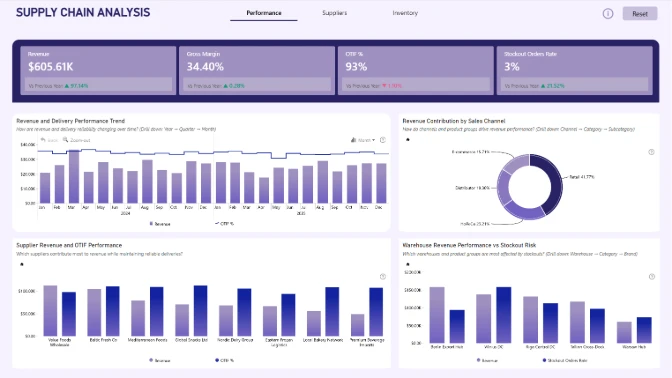
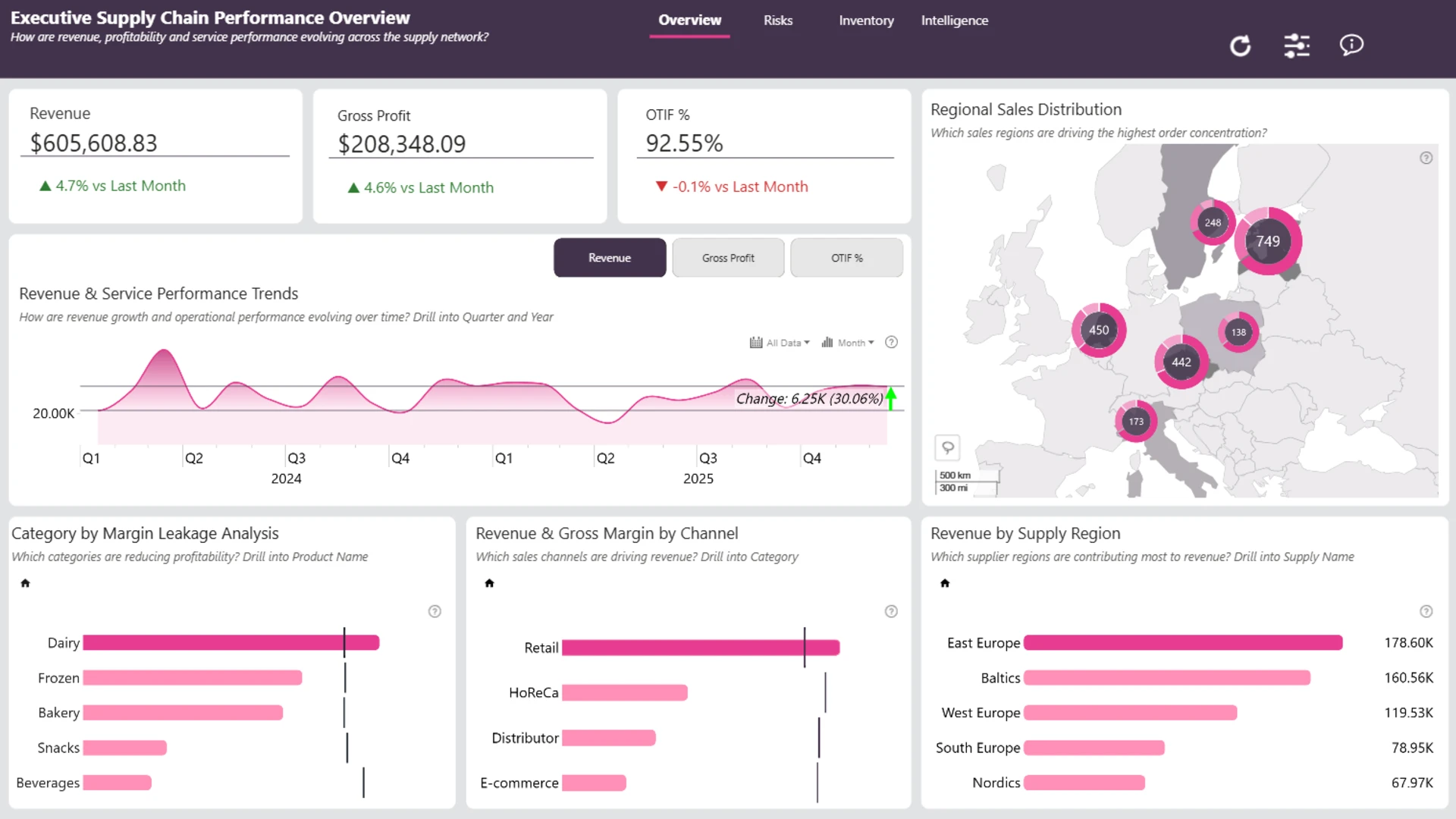
Executive Supply Chain Dashboard

Author: Jude Onuh

30

View Report
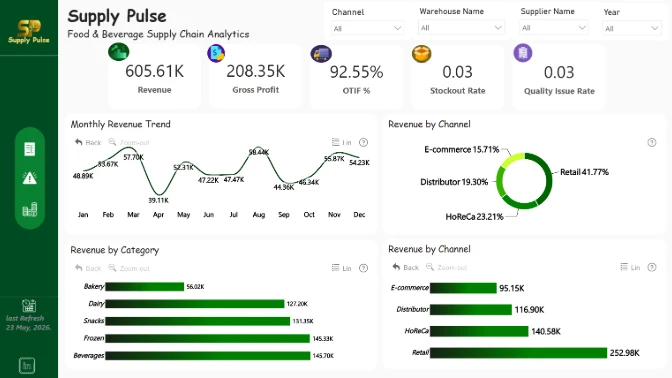
Report Card

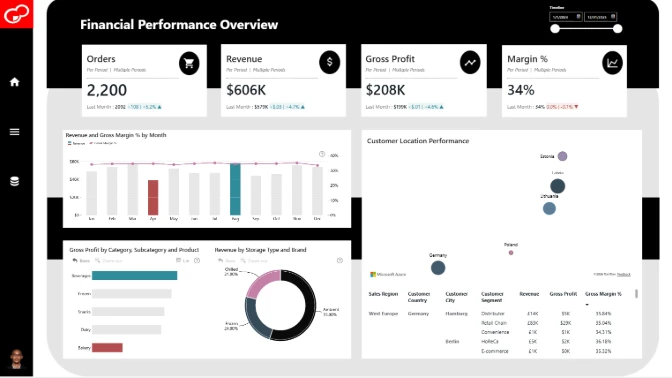
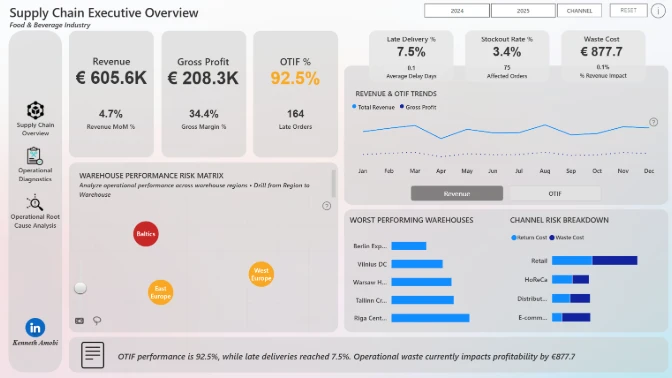
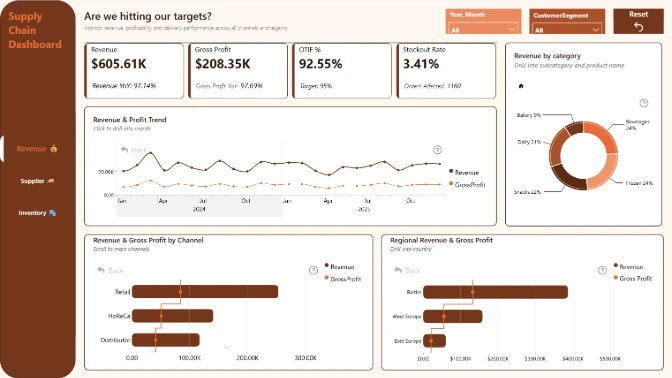
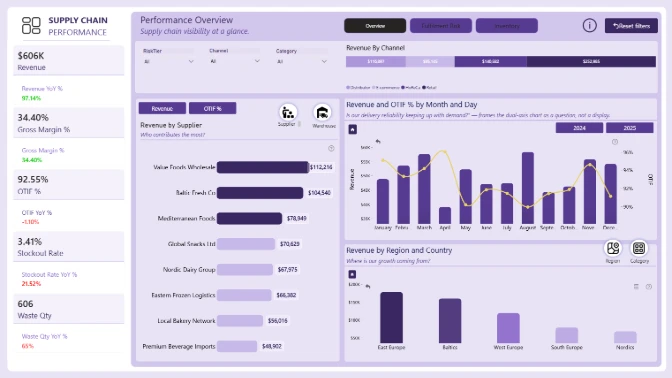
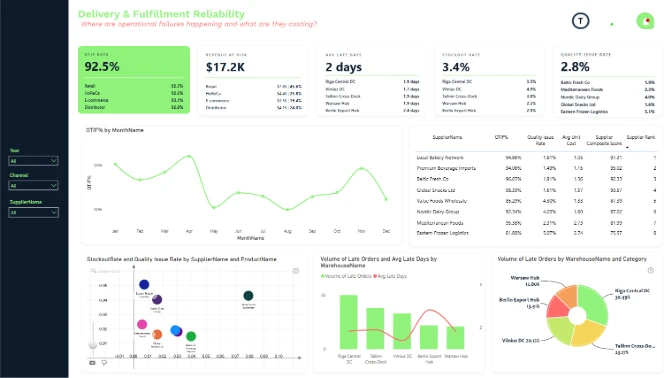
Food and Beverage Supply Chain Dashboard

Author: Okeh Dono Efasa

26

View Report
Report Card

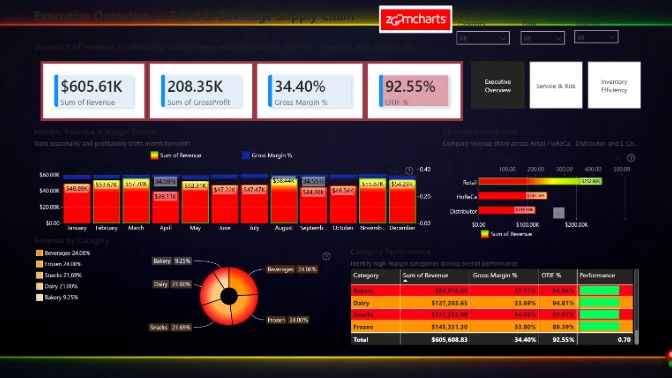
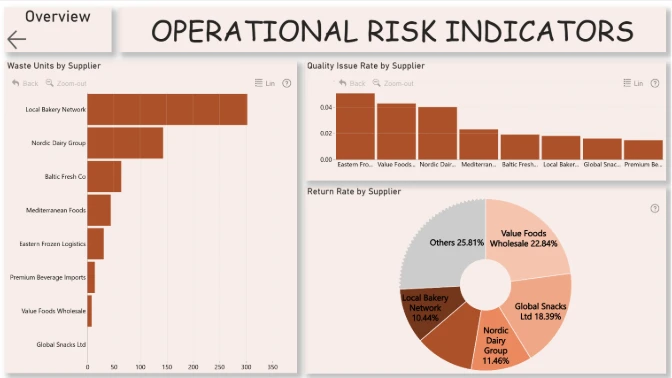
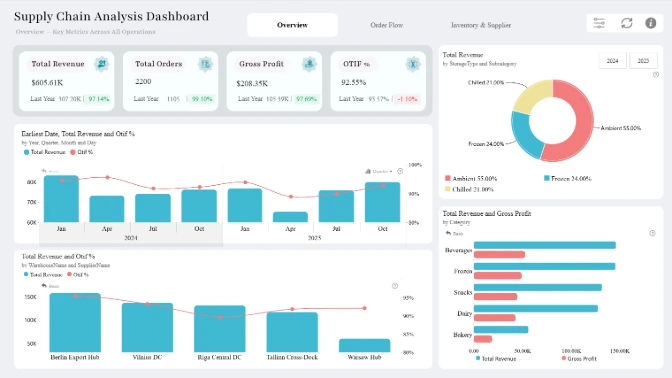
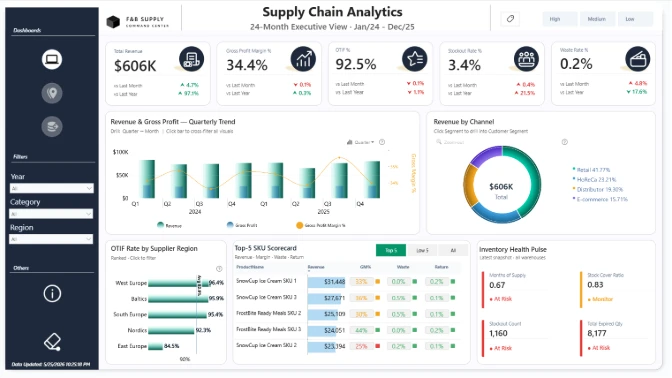
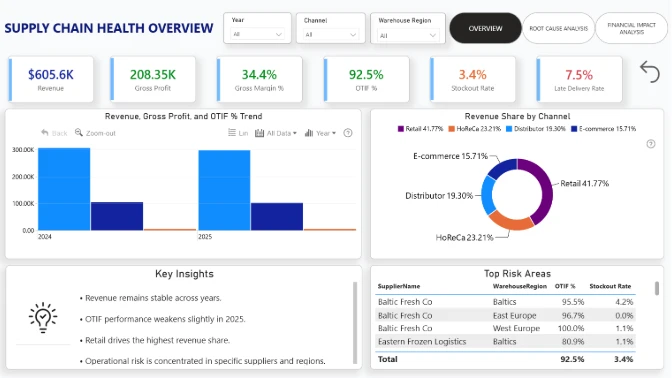
Supply Chain Visualization Power BI

Author: Agbata Dickson Ukolojo

20

View Report
Report Card

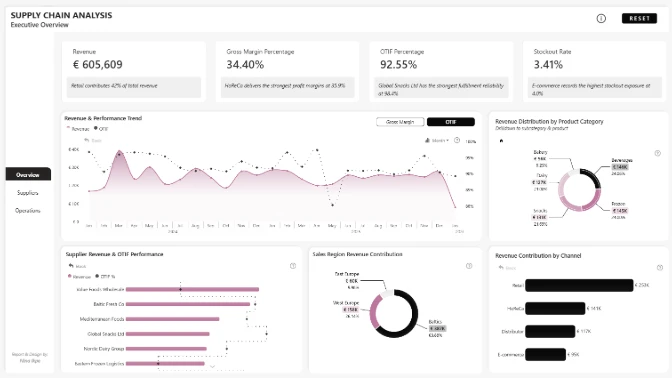
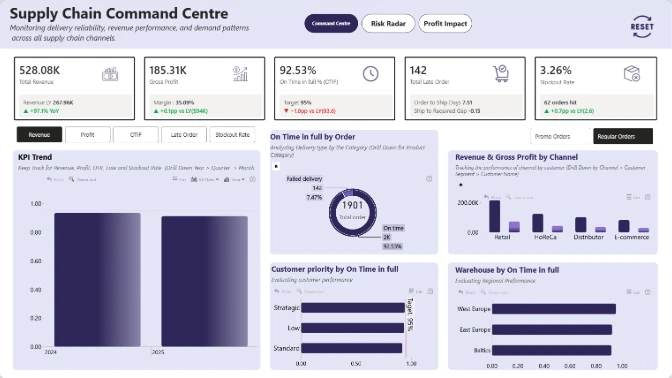
Supply Chain Management Dashboard

Author: Nina Ikpe

20

View Report
Report Card

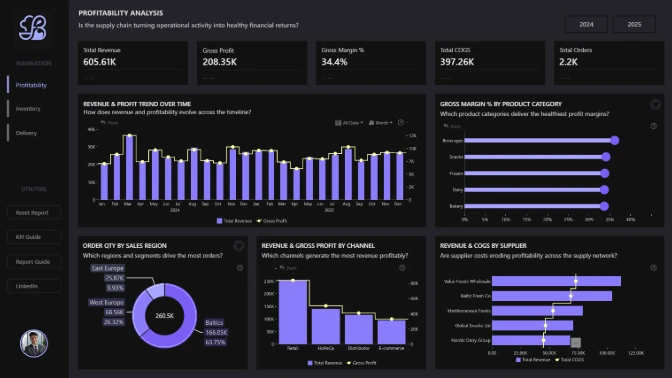
Revenue and Profit Dashboard Power BI

Author: Lisa Ifunanya Onwusulu

12

View Report
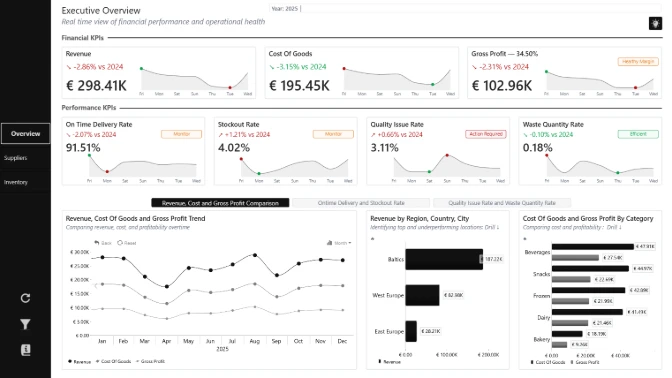
Report Card

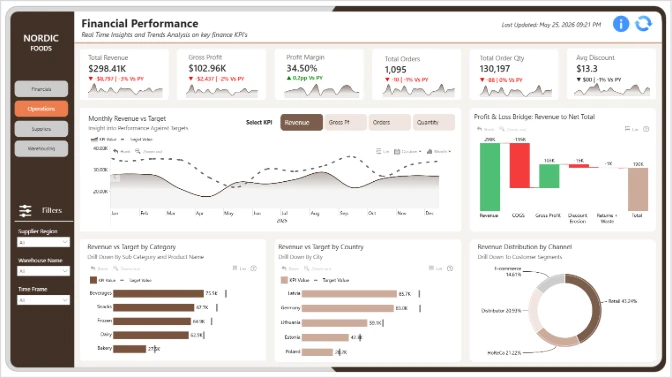
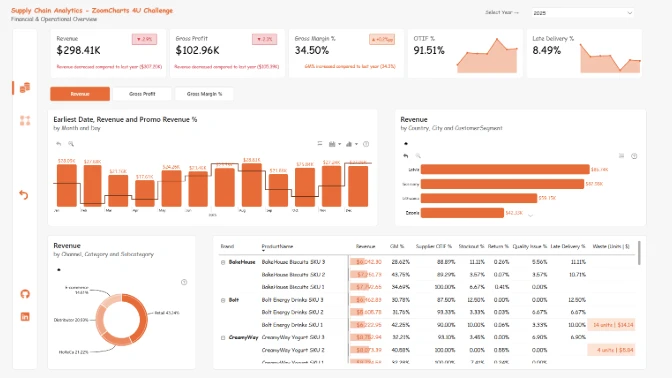
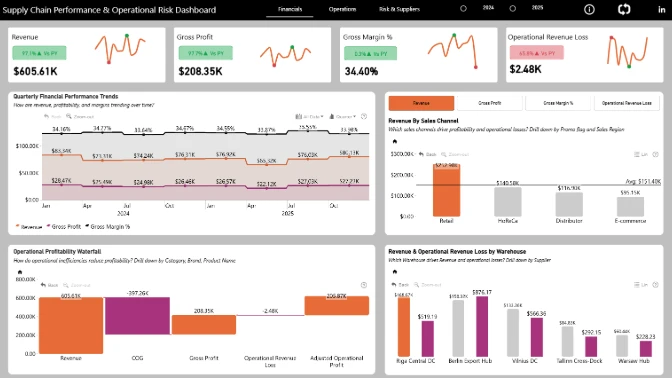
Power BI Supply Chain Finance & Operations Dashboard

Author: Crystal Andrea Dsouza

16

View Report
Report Card

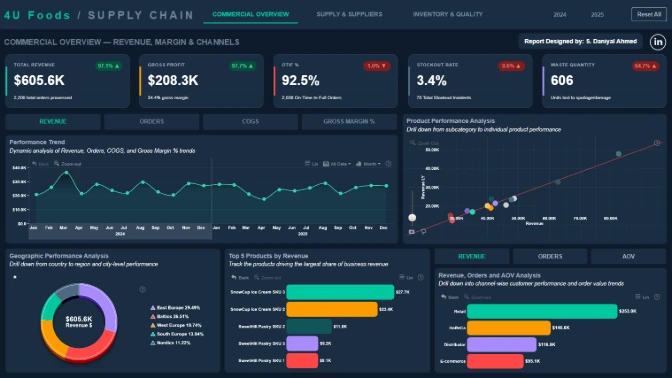
Inventory Dashboard Power BI

Author: Syed Daniyal Ahmed

2

View Report
Report Card

Power BI Supplier Operations Dashboard

Author: Steven Stanford

0

View Report
Report Card

Operations KPI Dashboard Power BI

Author: Viola Brance

1

View Report
Report Card

Supplier Performance Dashboard

Author: Mohamed Hassan

0

View Report
Report Card

Inventory Analytics Dashboard

Author: Suleman Abdulmalik

0

View Report
Report Card

End-to-End Supply Chain Dashboard

Author: Gyanankur Baruah

0

View Report
Report Card

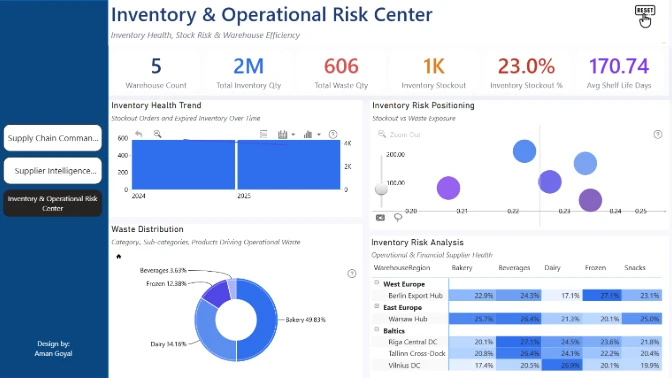
Power BI Warehouse Analytics

Author: Aman Goyal

0

View Report
Report Card

Warehouse Dashboard Power BI

Author: Su Thinzar Oo

0

View Report
Report Card

Delivery Analytics Dashboard

Author: Samson Obazee

0

View Report
Report Card

Power BI Executive Dashboard

Author: Nnamdi Nwankwo

0

View Report
Report Card

Revenue Analytics Dashboard Power BI

Author: Sai Krishna Tummidi

2

View Report
Report Card

Power BI Procurement Analytics

Author: Anushree Dhomne

0

View Report
Report Card

Supply Chain Insights Dashboard

Author: Kenneth Amobi

0

View Report
Report Card

Interactive Supply Chain Dashboard Power BI

Author: Gori Omotola

0

View Report
Report Card

Warehouse Performance Dashboard

Author: Elizabeth Obibuogu

0

View Report
Report Card

Inventory and Operations Dashboard

Author: Ivan Baldin

1

View Report
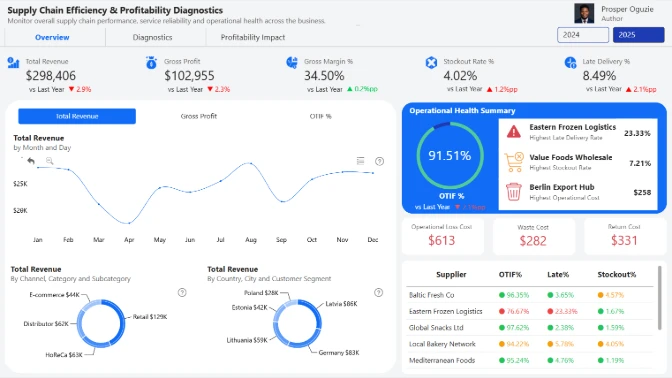
Report Card

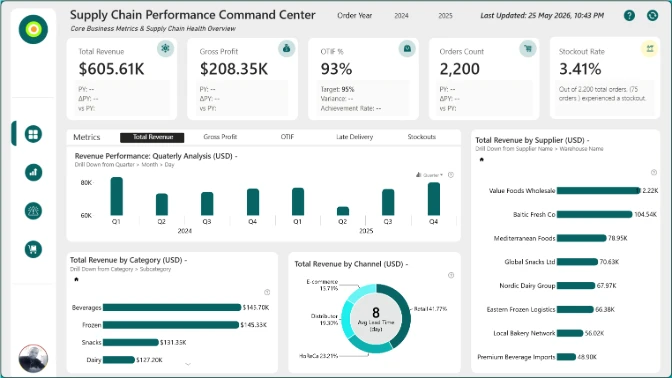
Supply Chain Performance Dashboard

Author: Prosper Oguzie

0

View Report
Report Card

Supply Chain KPI Dashboard

Author: Brian Ochigbo Sule

1

View Report
Report Card

Power BI Supply Chain Dashboard

Author: Vic Yao

0

View Report
Report Card

Supply Chain Insights Dashboard

Author: Harshita Goswami

0

View Report
Report Card

OTIF Dashboard Power BI

Author: Peace Joshua

1

View Report
Report Card

Supply Chain Dashboard Power BI

Author: Aakash M

1

View Report
Report Card

Inventory Management Dashboard Power BI

Author: Socrates Sandoval Zelaya

0

View Report
Report Card

Retail Supply Chain Dashboard

Author: Ugochukwu Nwasuruba

0

View Report
Report Card

Supply Chain Reporting Dashboard

Author: Hasan Ayaz

1

View Report
Report Card

Supply Chain Operations Dashboard

Author: Mohamed Elbushra

1

View Report
Report Card

Supply Chain Intelligence Dashboard

Author: Shaista Sultana

0

View Report
Report Card

Supply Chain Analytics Dashboard

Author: Eniola Kayode

0

View Report
Report Card

Supply Chain Data Analytics Report

Author: Phanindra Parvathi

3

View Report
Report Card

Food Supply Chain Dashboard

Author: Mantena Chakradhar

0

View Report
Report Card

Operational Performance Dashboard

Author: Oyedeji Oyetunde

0

View Report
Report Card

Supplier Analytics Dashboard

Author: Alani Joshua

0

View Report
Report Card

Procurement Dashboard Power BI

Author: Emmanuel Idowu

1

View Report
🏆
1st place $300
Amazon gift card
🥈
2nd place $200
Amazon gift card
🥉
3rd place $100
Amazon gift card

About 4U Reports Challenge

Improve your Power BI data visualization skills and demonstrate strong professional credibility by building 4U Reports.

In this challenge, you’ll be provided with a business case dataset to analyze and visualize in Power BI. Each month, a new dataset is released, allowing you to build high-demand Power BI reports and dashboards for your portfolio, gain recognition within a community of 20k+ BI professionals, and win amazing prizes from ZoomCharts.

Benefits of participation:

  1. Workshops & 1:1 Mentoring: Learn directly from experienced Power BI professionals through live workshops on report-building best practices, 1:1 mentoring sessions to review your report, and get tailored advice.
  2. Get Personal Feedback: Every participant receives detailed, personalized feedback on their report - a great opportunity to improve based on real feedback.
  3. Free Power BI accounts for using Power BI Desktop: If you don’t have a Microsoft work or school account, you can acquire your own ZoomCharts account for building your challenge report without restrictions.
  4. Free ZoomCharts Visuals License: All participants get a ZoomCharts Developer License worth hundreds of dollars that gives full access to the Drill Down PRO visuals library.
  5. Free Report Downloads: Each challenge participant with a validated report will receive 5 free downloads from the Power BI Report Gallery.

Prize Pool:

🏆 The best 3 overall reports will receive a $300 / $200 / $100 Amazon gift card.

Being selected in the Top 5 will grant you +10 free downloads from the Power BI Report Gallery.

Winners Announcement

On May 29, the top 5 reports and prize winners will be announced during the Live Webinar “Top 5 Supply Chain Dashboards from 4U Report Challenge”.

Pragati Jain
Guest Judge

Pragati Jain

Fabric Consultant
Microsoft Data Platform MVP


Webinar recordings

Recording thumbnail

Build a High-Impact Supply Chain Dashboard in Power BI

Join this hands-on Power BI workshop to build a supply chain analytics dashboard using real-world data. Learn how to track delivery performance, analyze stockouts, and create interactive dashboards.

Watch the recording

How to participate in the challenge

Follow these steps to register, build your Power BI report, submit your entry, and compete for prizes.

1

Register for the Challenge

  • Register using the form above.
  • Download the challenge dataset using the "Get the Dataset" button.
  • Activate your free ZoomCharts Drill Down Visuals Developer License for Power BI. If you have your own Microsoft account, select "See My License" and follow the setup video or step-by-step instructions.
  • If you don’t have a work or school Microsoft account, select "See My Account" to activate a free Microsoft account provided by ZoomCharts exclusively for challenge participants.
2

Build Your Report in Power BI

  • Add ZoomCharts visuals from the Power BI visuals library or Microsoft Marketplace.
  • Add your ZoomCharts license to Power BI Desktop.
  • Build your Power BI report using the challenge dataset.
  • Your report must include at least two (2) ZoomCharts Drill Down Visuals on at least 1 report page.
3

Improve Your Report and Learn

  • Join the challenge workshop to learn how to use ZoomCharts visuals and the dataset.
  • If you need help, book a free consultation with the ZoomCharts team.
  • Browse the Template Gallery for inspiration and ideas.
4

Submit Your Challenge Entry

Upload your report in .pbix format using the submission form on this page.

If your report does not meet the challenge requirements:

You will receive an email explaining what needs to be fixed. You can update your report and submit it again.

Validation timeline:

  1. Your report will be reviewed within 1-2 business days.
  2. Once validated, you will receive a Publish to Web link you can share publicly or add to your portfolio.
  3. You will also receive personalized feedback from the evaluation team within 1-2 business days.
  4. Use this feedback to improve your report and resubmit before the deadline.

Note: You can resubmit your entry as many times as needed before the final deadline.

5

Finalize Your Participation to Compete for Prizes

  • Share a LinkedIn post showing your finished report as an image, screenshot, or video.
  • Tag @ZoomCharts and use the hashtags #4UReport and #builtwithzoomcharts.
  • Follow ZoomCharts on LinkedIn.
6

Attend the Live Closing Webinar

The ZoomCharts team present the Top 5 Challenge entries during the live webinar. You will learn best practices, improvement tips, and see how participants solved the challenge. Winners will be announced during the live webinar and afterward on the ZoomCharts LinkedIn page.

Challenge Brief

ZoomCharts 4U Report Challenge May 2026

Build a Power BI report for a food and beverage supply chain dataset covering the full journey from order placement to delivery.

Report Requirements

Tool

Power BI

Recommended length

Up to 3 pages

Including drill-through pages

Canvas size

16:9 or 1920 x 1080

ZoomCharts visuals

Use a minimum of 2 Drill Down Visuals

Within a single report page

Dataset Overview

This challenge is based on a food and beverage supply chain dataset covering transactional data across orders, shipments, suppliers, warehouses, and customer channels, including Retail, E-commerce, HoReCa, and Distributors.

The dataset includes real-world operational scenarios such as delivery performance, OTIF, delays, stockouts, returns, waste, quality issues, Revenue, COGS, and Gross Profit.

Your Objective

Design a Power BI report that helps supply chain managers and executives monitor performance, identify inefficiencies, and make better operational decisions.

Your Report Should Help Answer

How reliable is the delivery process?

Analyze OTIF performance and delivery delays.

Where are operational issues happening?

Identify stockouts, returns, waste, and quality problems.

Who or what is underperforming?

Compare suppliers, warehouses, and customer channels.

How do issues affect profit?

Connect operational problems with revenue and profitability.

Ideas to Demonstrate in Your Power BI Report

  • Supply chain KPIs such as Revenue, Gross Profit, OTIF %, Late Deliveries, and Stockouts.
  • Time-based analysis using Order Date, Required Date, and Ship Date.
  • Supplier, warehouse, and channel performance breakdowns.
  • Operational risk indicators such as returns, waste, and quality issues.
  • A clear connection between operational metrics and financial outcomes.
  • Interactive drill-down analysis across supply chain dimensions.

Design Focus

Focus on building a report that is:

  • Executive-friendly with clear summaries.
  • Insight-driven, not just descriptive.
  • Structured for exploration with intuitive navigation.
  • Visually clean and logically organized.
  • Designed to guide users from high-level KPIs to root cause analysis through interactivity and drill-down.

Judging Criteria

Each submission is evaluated based on four main criteria: Inspiring, Intuitive, Interactive, and Insightful. These dimensions ensure that the solution is visually compelling, easy to understand, engaging to use, and capable of delivering valuable insights.

Inspiring

Max 15 pts

How visually clear, modern, and purposeful the report looks.

  • Visually Appealing Design: Is the design harmonious, with a modern color palette, consistent formatting, and a clear presentation of information?
  • Clear and Focused Visualizations: Are only the necessary visualizations used, avoiding clutter and keeping focus on key insights?
  • Readability: Are color contrasts appropriate and text elements easy to read across different devices and screen sizes?

Intuitive

Max 15 pts

How clear and easy it is to understand the report at a glance.

  • Logical Navigation: Is the report organized with intuitive navigation paths, reset options, and a structure that allows users to explore at their own pace?
  • Storytelling through Data: Does the report present data in a logical and compelling narrative that supports decision-making?
  • Streamlined Information: Is the report focused on key data without overwhelming the user with unnecessary details?
  • Tooltips and Labeling: Are tooltips, titles, and legends clear, helpful, and supportive of understanding without cluttering the design?

Interactive

Max 15 pts

How engaging and seamless the report exploration and interaction with data feels.

  • Dynamic User Controls: Are slicers and interactive elements designed so users can easily adjust and explore different data views?
  • Cross-Chart Integration: Are charts connected in a way that filtering and interactions feel smooth and unified across the report?
  • Drill-Down Functionality: Can users intuitively dive deeper into data layers to explore additional details and insights?
  • Guided Learning Aids: Are there helpful tutorials, hints, or onboarding elements that support users in understanding and navigating the report?

Insightful

Max 15 pts

How accurate, complete, and meaningful the data is in driving decisions.

  • Depth of Analysis: Does the analysis provide meaningful insights and fully address the problem using effective methods?
  • Data Accuracy: Is the data consistent across visuals, and are calculations and aggregations applied correctly?
  • Performance Optimization: Is the report optimized for fast loading and smooth performance, even with larger datasets?
  • Data Cleanliness: Is the data well-prepared, free from redundancies or gaps, and structured to support reliable analysis?

Timeline

Registration Open

Registration Open

30 April | 17:30

-

Submissions Open

Submissions Open

30 April | 17:30

-

Workshop | Build a High-Impact Supply Chain Dashboard in Power BI

Workshop | Build a High-Impact Supply Chain Dashboard in Power BI

07 May | 07:00

-
1:1 Mentoring Sessions

1:1 Mentoring Sessions

07 May | 07:00

30 April - 25 May
Entry Submission Deadline

Entry Submission Deadline

25 May | 17:59

30 April - 25 May
Winner Announced

Winner Announced

29 May | 08:00

30 April - 25 May

Dataset

Get the dataset

See past ZoomCharts Power BI Challenge May 2026 challenges

See past challenges

Your Drill Down Visuals Developers License

Use the email and password provided below to log in Power BI Desktop and access an account with a license to use all ZoomCharts Drill Down Visuals.

Upon logging in, you will need to change your password and enable two-factor authentication. If you encounter any problems, feel free to reach out to us via chat.

*This Developer License can be used to create a report for this ZoomCharts Mini Challenge or for your personal training purposes. Commercial use of this license is prohibited.

Upload failed
Attach file
File requirements: 16MB

Any questions? Feel free to use chat!

Are you sure you want to delete the report?

Activate your Drill Down visuals Developer License!

You can use these credential to access ZoomCharts visuals and create your report for this ZoomCharts Mini Challenge, or for your personal training purposes.


Get ZoomCharts Developer License Select this option if you already have a Microsoft work or school account to activate and use ZoomCharts visuals in Power BI Desktop.

Activate your free developer license to use Drill Down visuals in your challenge report.


Create a free Microsoft account To install ZoomCharts visuals from the Power BI marketplace, you need a Microsoft account.

Don’t have a Microsoft account yet? Create a free account to build reports and join challenges.


logo
[email protected]
+44 204 577 3993
logo

Products

Drill Down Bubble PRO Drill Down Line PRO Drill Down Network PRO Drill Down Waterfall PRO Drill Down Graph PRO Drill Down Combo PRO Drill Down Combo Bar PRO Drill Down Donut PRO Drill Down Pie PRO Drill Down TimeSeries PRO Drill Down Timeline PRO Drill Down Map PRO Drill Down Scatter PRO All Visuals

Resources

Report Examples Webinars Blog ZoomCharts Academy Visuals Gallery Documentation Custom Visual Development Subscribe to News

Solutions

Custom Visual Development

Company

Pricing About Us Partners Leave feedback Join PowerGroup EU Funding

Help

ZoomCharts Assistance Contact Sales Contact Support FAQ AI Information

Drill Down Line PRO Drill Down Bubble PRO Drill Down Network PRO Drill Down Waterfall PRO Drill Down Graph PRO Drill Down Combo PRO Drill Down Combo Bar PRO Drill Down Donut PRO Drill Down Pie PRO Drill Down TimeSeries PRO Drill Down Timeline PRO Drill Down Map PRO Drill Down Scatter PRO All Visuals

Report Examples Webinars Blog ZoomCharts Academy Visuals Gallery Documentation Custom Visual Development Subscribe to News

Custom Visual Development

Pricing About Us Partners Leave feedback Join PowerGroup EU Funding

ZoomCharts Assistance Contact Sales Contact Support FAQ AI Information
+44 204 577 3993
[email protected]

Ready to get in touch?

Contact our experts with any question about Power BI and ZoomCharts for Free!

Contact us

© 2026, Data Visualization Software Lab

U.S. Patents No. 11,645,343; 11,921,804; 12,346,389

Cookies
Privacy Policy
Global
Legal
Patent
warning

Error message

success

Success info: Done!

ZoomCharts AI Assistant

We noticed you're using an old OS version.

For the best experience, we recommend upgrading to ensure that all website features display correctly.

Cookie settings

We use necessary cookies for site functionality, as well as statistic, marketing, and preference cookies to enhance your experience. For more information and to manage your preferences, please visit our Cookie policy